Expanded Benefits for Contractors, Designers & Owners
Below are more detailed benefits written specifically to increase project-owner confidence and encourage inquiries.
Reduces Costly Field Rework by 40–60%
Industry studies show that over 50% of construction rework originates from uncoordinated MEP and structural conflicts.
Navisworks helps eliminate rework by:
- Detecting issues before procurement
- Modeling equipment clearances
- Validating tie-in locations
- Avoiding duct/pipe collisions
- Preventing ceiling space overloading
A coordinated Navisworks model directly translates to lower installation cost and higher trade productivity.
Shortens Construction Timelines Through Early Decision-Making
Before Navisworks, decisions were made on site.
Now, teams can:
- Test multiple routing options
- Review equipment access zones
- Finalize hanger/rod locations
- Approve drawings faster
This allows contractors to sequence work earlier, enabling smoother, phased installation.
Supports Fabrication Planning & Prefab
U.S. contractors increasingly adopt off-site fabrication for:
- Ducts
- Pipes
- Electrical racks
- Pump skids
- Bathroom pods
Navisworks provides:
- Precise model validation
- Clash-free spool drawings
- Prefab-ready assembly models
Perfectly coordinated models reduce waste and accelerate installation.
Improves AHJ Approval for Healthcare, Schools & Government Work
Authorities having jurisdiction (AHJs) commonly require:
- Fire-rated assemblies
- Clearance checks
- Life-safety path validation
- Equipment spacing
- Penetration diagrams
Navisworks helps create clean, understandable visuals that simplify permit reviews.
Enhances Model Transparency for Owners & Facility Managers
Owners need clarity on:
- Equipment access
- Future maintenance zones
- Serviceability
- Potential failure points
Navisworks 3D reviews provide FM teams with more reliable as-built documentation.
Navisworks-Based Coordination for Different Sectors
This section directly appeals to clients by aligning Navisworks workflows with their sector-specific pain points.
Healthcare Facilities (Hospitals, Clinics, Labs)
Healthcare projects contain dense MEP systems with strict NFPA, ASHRAE & IBC requirements.
Navisworks helps:
- Avoid HVAC/fire collisions
- Validate patient room clearances
- Coordinate OR/ICU equipment
- Improve mechanical access zones
Healthcare BIM coordination leads to faster AHJ approvals.
Industrial & Manufacturing Plants
Industrial facilities involve:
- Heavy equipment
- Process piping
- Utility racks
- High-volume HVAC
Navisworks ensures:
- Safe routing
- Proper clearance
- Efficient fabrication planning
This results in reduced shutdown time during installation.
Commercial Buildings (Offices, Retail, Mixed-Use)
Navisworks helps coordinate:
- Ceiling space
- Ductwork
- Lighting
- Fire sprinklers
- Electrical conduits
Leading to a cleaner, obstruction-free ceiling and better end-user experience.
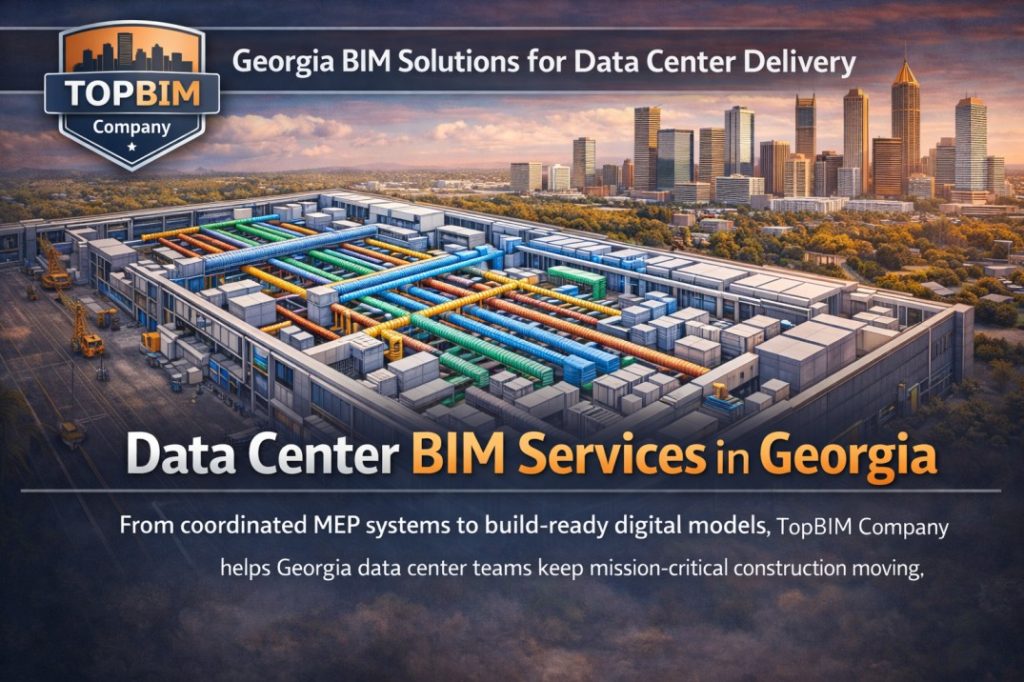
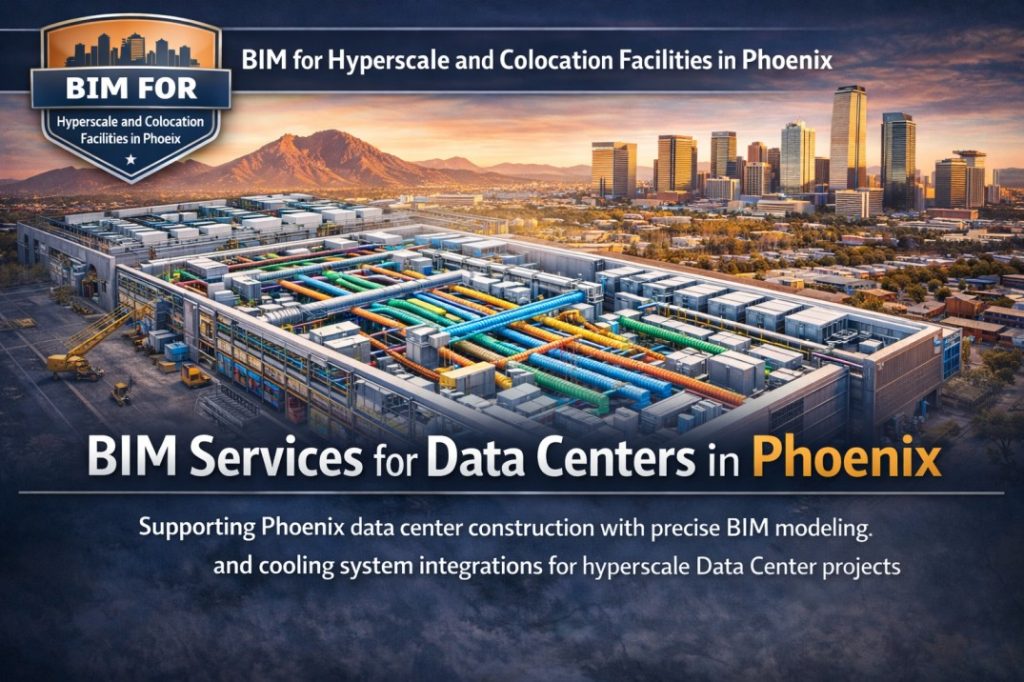
Data Centers
These projects require:
- High-density cooling systems
- Redundant electrical paths
- Secure fire protection routing
Navisworks helps meet uptime and equipment clearance requirements – critical for Tier III & IV facilities.
Transit & Infrastructure
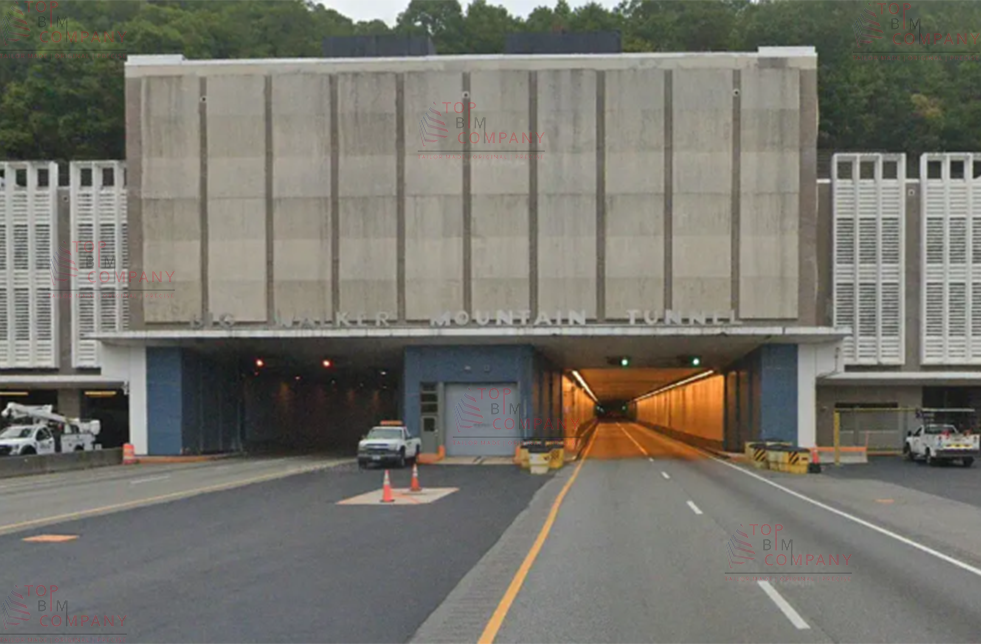
Model conflicts in tunnels, shafts, and stations can be highly disruptive.
Navisworks supports:
- Underground utility coordination
- Emergency path modeling
- Ventilation system planning
- Complex structure – MEP routing
How a Top BIM Company Uses Navisworks for Your Project
This section encourages the reader to hire TopBIM or a BIM partner.
A Top BIM company supports coordination by:
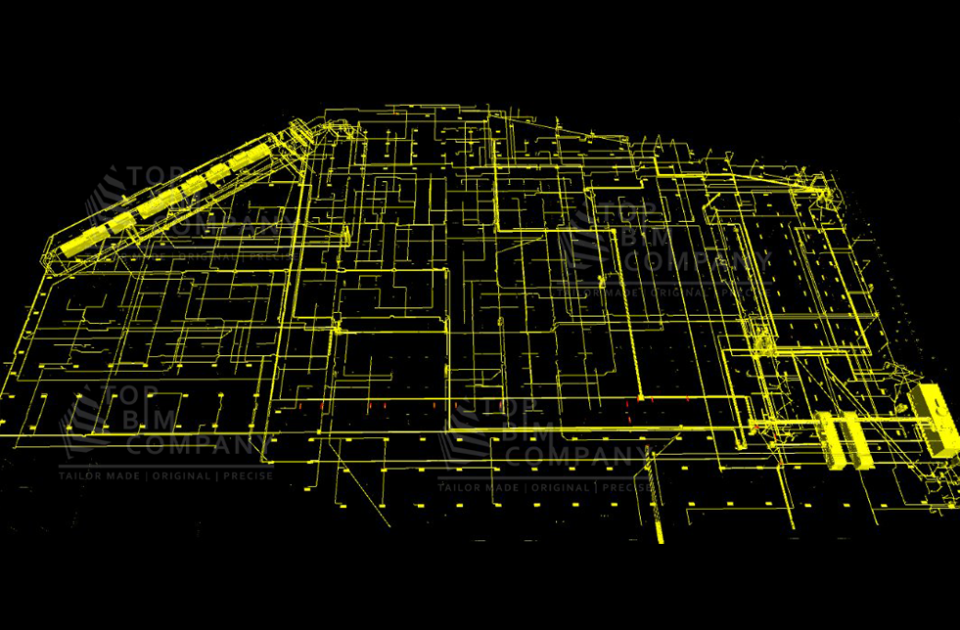
- Creating federated models
- Running clash detection between all trades
- Preparing weekly clash reports
- Leading coordination meetings
- Updating discipline models
- Ensuring LOD 300 – 400 accuracy
- Delivering constructible models for fabrication
This ensures construction teams receive a fully coordinated, issue-free model before site mobilization.
Deliverables You Receive in a Navisworks Coordination Package
- Federated Navisworks model (NWF/NWD/NWC)
- Clash report (HTML/Excel/BCF formats)
- Coordinated viewpoints
- Issue tracking logs
- MEP clearance validations
- Equipment access diagrams
- Penetration & hanger coordination
- Final coordination model for construction
Clients understand deliverables clearly – which increases conversions.
Why Work With a Navisworks-Based BIM Partner?
A specialist BIM partner helps improve:
- Model accuracy
- Multitrade coordination
- Cost control
- Schedule predictability
- Fabrication readiness
- Field installation quality
A coordinated Navisworks workflow ensures your project starts right and finishes smoothly.
Need Navisworks BIM Coordination for Your Project?
TopBIM Company provides:
- Full BIM coordination
- Clash analysis & resolution
- Model QA/QC
- Weekly coordination sessions
- Fabrication-ready BIM models
- Point cloud verification
- 4D scheduling & logistics planning
👉 Request a Coordination Proposal
👉 Share Your BIM Models for a Free Assessment